The platform
Everything the gallery knows, in one place.
Artworks, artists, contacts, exhibitions, sales. The platform is the screen the team opens in the morning and closes at night. Here is the core of Artosera in detail: everything that follows is included, for every gallery.
The artwork record
One artwork, one record, and it’s all there.
Photos, dimensions, medium, year, price, status: the record gathers what the team used to hunt for across three different files.
- 1Photos and views, in the order you choose; the first becomes the main image
- 2Medium, dimensions, year, public price
- 3A status that follows what the gallery does: reserve, consign, lend, mark as sold
- 4Correcting a status by hand requires a reason, and it is logged
Storage and location
Where is the artwork? The answer fits on one line.
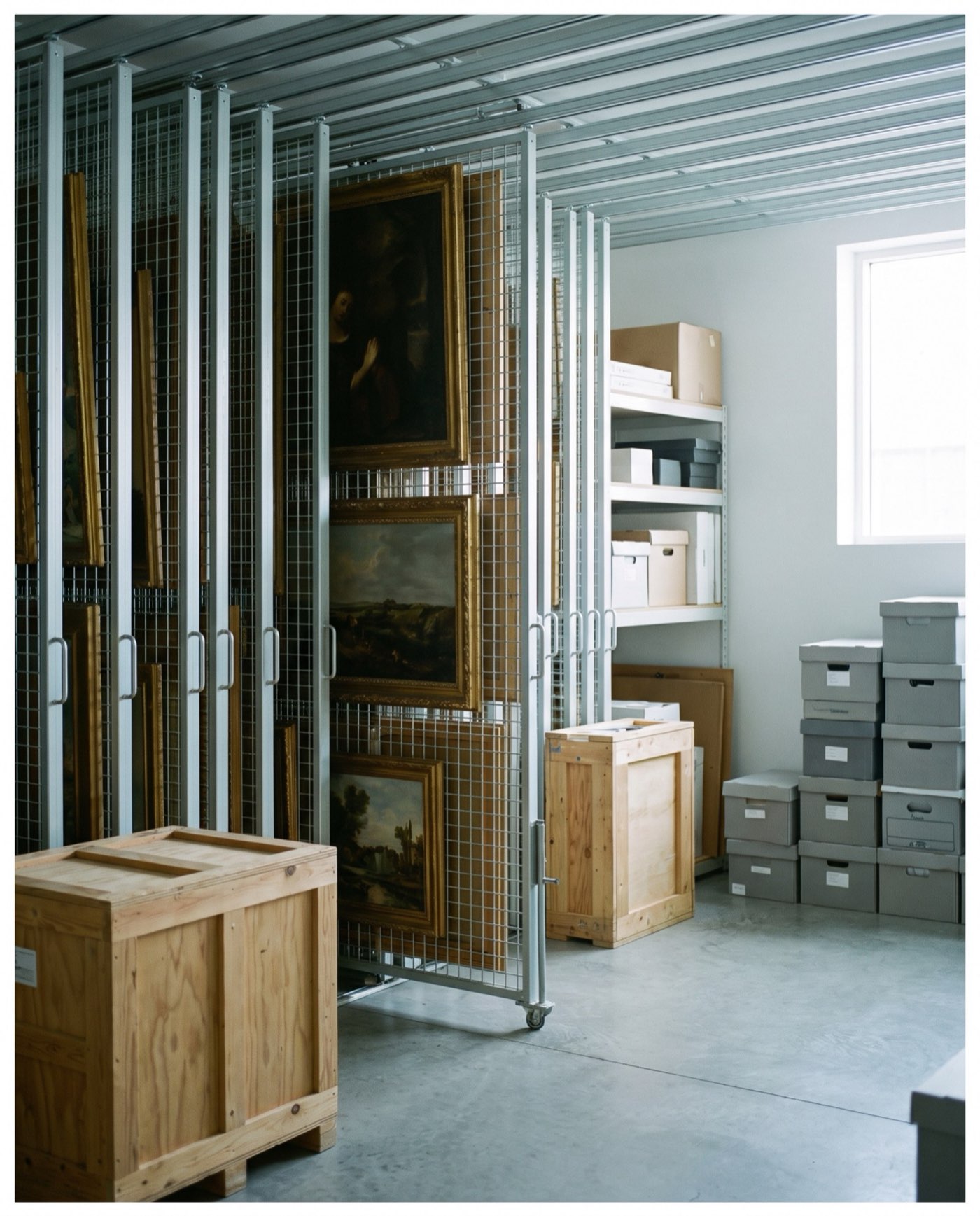
Every artwork points to a place: storage, a gallery room, a fair, a fellow gallery, a client. You describe your locations once, then filter the artwork list by location.
- 1Four kinds of location: internal, external, fairs, clients
- 2Location as a column and a filter in the artwork list
- 3Every move stays in the artwork’s history
- 4A closed location keeps its references: nothing gets lost
Arrive with your files, leave with everything.
Your artworks come in from a CSV or Excel spreadsheet, and their images from a ZIP archive. A report shows, row by row, what was created and what was rejected. Export works the other way round, at any time.
We can handle the migration for youArtists and the address book
Who you represent, who writes to you, and what they asked for.
The artist record brings together their biography, artworks and exhibitions. The address book keeps collectors, institutions and fellow galleries; every enquiry stays attached to the person who made it.
- 1The artist record: biography in English and French, artworks, exhibitions
- 2The address book, with duplicate merging
- 3Enquiries: assigned to someone on the team, answered, closed
- 4Consent recorded with its source; on request, the contact’s file exported or their identity erased
Exhibitions and fairs
From the hang to the opening-night price list.
An exhibition brings together its artworks in wall order, its installation views and its dates. A fair is prepared the same way, with its stand as the location.
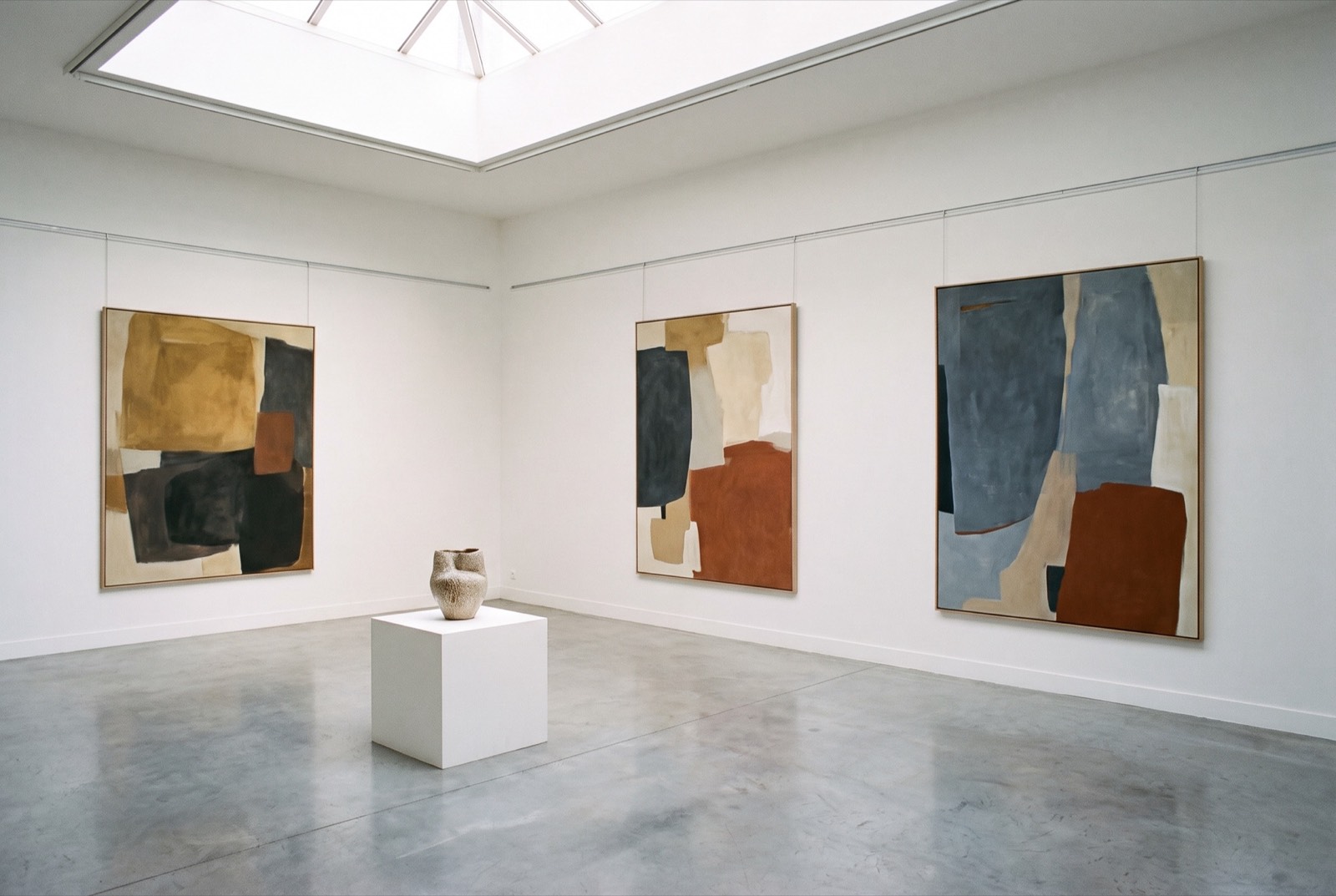
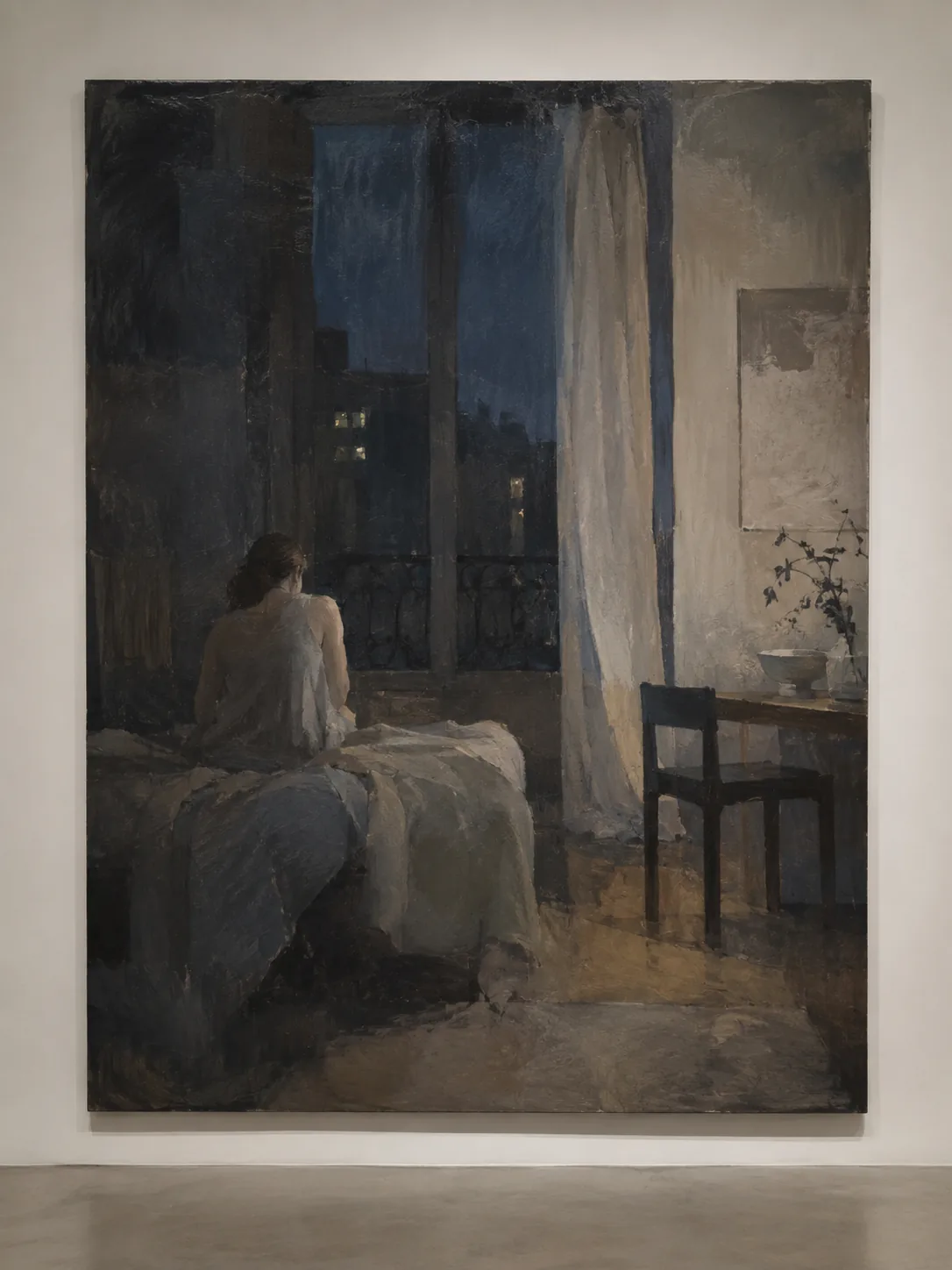
- 1The artworks on the wall, in hanging order
- 2Installation views, added with a simple drag and drop
- 3A clear status: announced, current, closed
- 4The exhibition price list, in one click
The stand tablet, with prices, offers and reservations on the spot, is the Fair mode module.
Reservations and sales
Reserved first, sold afterwards.
An artwork is reserved for a contact, until a given date. Before it runs out, the reservation is either released or turned into a sale, and the status changes everywhere at once.
- 1Reservations, for an existing contact or one entered on the spot
- 2Reservations expiring within the week, flagged on the dashboard
- 3The sale recorded, the artwork marked as sold
- 4The artist price next to the public price, and the margin; they stay inside the platform
Invoices and credit notes in Factur-X, margin scheme VAT and artist’s resale right: that is the Full invoicing module.
PDF documents
The record and the price list, ready to send.
An artwork comes out as a PDF record, with its photo, its label and the gallery’s details. A selection or an exhibition comes out as a price list, laid out, with nothing to retouch.
- 1The artwork record as a PDF, straight from the record
- 2The price list for a selection or an exhibition
- 3The public price only: the artist price never appears
Numbered certificates of authenticity and artwork portfolios in the gallery’s colours: the Prestige documents module.
Search
Four letters, and the platform answers.
A single bar searches everything: artworks, artists, contacts, exhibitions, and the platform’s own actions. ⌘ K opens it from any screen.
- 1Results grouped by type
- 2Actions too: a new artwork, a price list
- 3Everything from the keyboard, without leaving the current screen
The dashboard
In the morning, what needs your attention.
When the team opens the platform, it sees its day: the reservation or enquiry to deal with first, then the whole gallery at a glance. One click leads to the record.
- 1Today’s priority, at the top
- 2Available artworks, enquiries to handle, active reservations
- 3Reservations expiring within seven days
- 4Current and announced exhibitions
The team and security
Many hands, one memory.
Every member of the team has their own login. Two-factor authentication protects the directors’ accounts, and the log keeps track, for each artwork, of who did what and when.
- 1Multiple users, each with their own account
- 2Two-factor authentication through an app, with backup codes
- 3The change log: the date, the action, who did it
Deciding who sees the artist price, who opens the Vault, who can edit: the Fine-grained roles module.
Around the core, and never optional
- Hosted in the EU
- Backups
- Updates handled for you
- Full export, any time
Beyond the core
Sixteen modules, when the gallery needs them.
E-invoicing, viewing rooms, the Vault, fair mode, movements, offers and follow-ups… Each module is added to the core when you want it. Nothing is switched on by default.